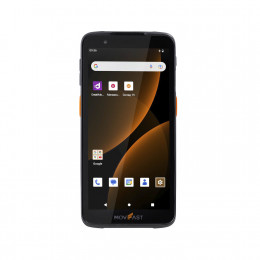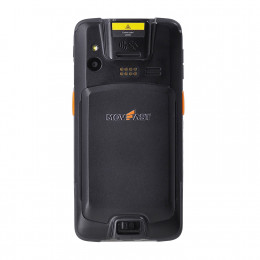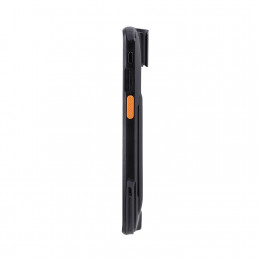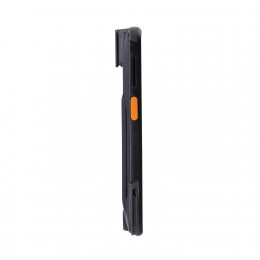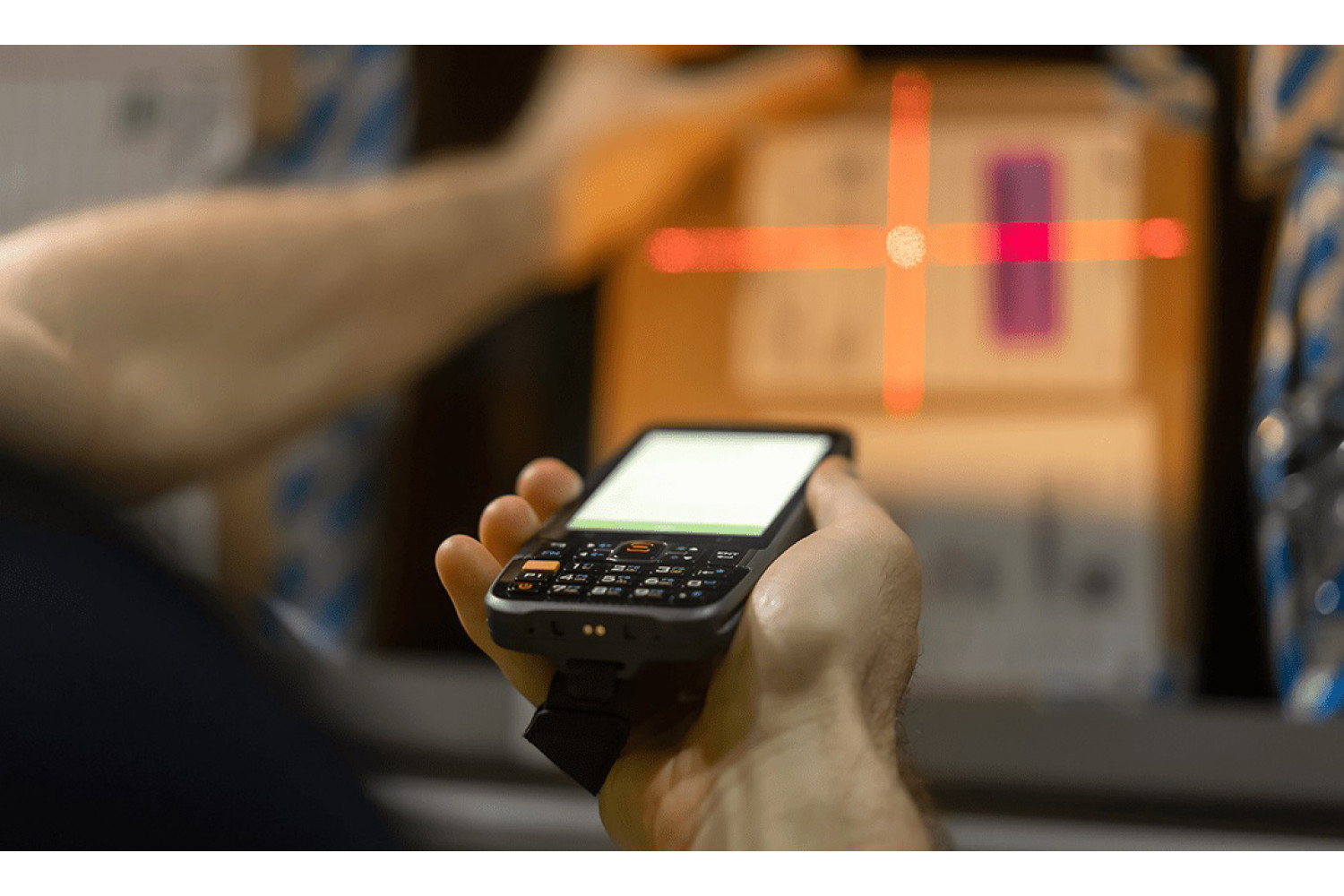
Stocktaking is a mandatory procedure for every store and warehouse in Armenia: it compares the actual quantity of goods on hand with the records in your accounting system and reveals shortages, surpluses and mislabelled items. A data collection terminal (PDT) turns this process from a multi-day manual count into a fast, accurate operation. In this article, MERTECH experts explain how to use a data collection terminal correctly during inventory, which models suit stock counting, and which mistakes to avoid.
A PDT does more than read barcodes — it checks every item against the database at the moment of scanning. Counting errors surface immediately, not a week later when paper sheets are reconciled.
What a data collection terminal is and how it differs from a scanner

A data collection terminal is a mobile computer with a built-in scanning engine, designed to automate warehouse and retail operations. Unlike a regular barcode scanner, which only reads a code and sends it to a checkout computer, a PDT works with the database directly: it stores the product catalogue, accepts quantity input, verifies items and keeps the results even when the connection to the server is lost.
A modern PDT combines several components in a single rugged housing:
- a processor, RAM and internal storage for working with the product database;
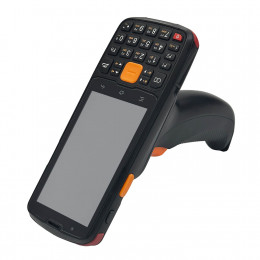
- a touchscreen with protective glass and, in industrial models, a physical keypad;
- a 1D or 2D scanning engine — for linear barcodes and DataMatrix codes;
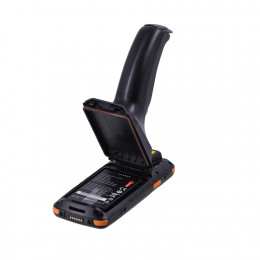
- a high-capacity battery, often with hot-swap support so the device never powers down;
- Wi-Fi and Bluetooth modules plus a USB port for wired data exchange;
- an operating system (usually Android) with an inventory application.
For stocktaking this is essential: an employee moves freely through the warehouse and sales floor, scans goods anywhere, and the terminal itself validates the data. No paper sheets, no permanent connection to a computer, no re-typing figures into the accounting program — and it is exactly at those stages that most errors occur in a classic manual count.
Inventory with a PDT: a step-by-step algorithm
To make the count fast and free of discrepancies caused by the equipment itself, the process must be organised. Here is the proven algorithm we recommend to MERTECH customers in Armenia when deploying terminals.
- Prepare the accounting system. Post all incoming and outgoing documents, update the product catalogue and barcodes. If some items have no codes, assign internal barcodes and print the labels in advance.
- Integrate the PDT with your inventory software. MERTECH terminals work with 1C and other popular accounting systems through a mobile application or file exchange. Load the product catalogue onto the device. Decide which mode to use: verification against book quantities, or a "blind" count where the employee cannot see the expected quantity and enters the actual one honestly.
- Divide the site into zones. Assign each employee a specific warehouse or sales-floor zone and hand out fully charged terminals. This eliminates double counting of the same shelves and lets the team work in parallel.
- Scan and count. The employee scans the barcode of every item and enters the actual quantity. If a label is damaged or missing, the quantity is entered manually by article number — the terminal finds the product in the loaded catalogue.
- Monitor progress. The supervisor can see which zones are finished and which items raised questions. Disputed areas are recounted immediately, before the goods are moved.
- Upload the results. Data is transferred to the accounting system over Wi-Fi or via a USB cable. A comparison report is generated: actual stock versus book stock.
- Analyse the discrepancies. Shortages, surpluses and grade mismatches are investigated by cause: receiving errors, write-offs, theft, incorrect barcodes. Acts are issued and the stock records are corrected.
With this approach, stocktaking of an average store takes hours instead of days, and data accuracy is limited only by counting discipline — not by human error while copying figures.
How to choose a PDT for stocktaking
The choice of terminal depends on working conditions, the product range and data-exchange requirements. Pay attention to six criteria:
- Scanning engine. A 1D engine is enough for linear codes, but if your range includes goods marked with DataMatrix — or you plan to handle them — choose a 2D engine with room for the future.
- Protection rating. IP54 is sufficient for a sales floor and a dry warehouse; cold storage, dust and drops onto concrete call for IP65–IP67.
- Battery. The capacity should last a full shift. Hot-swappable batteries allow round-the-clock operation with no charging downtime.
- Memory and performance. A large catalogue (tens of thousands of items) needs enough RAM and fast storage, otherwise the product list will lag.
- Connectivity. Wi-Fi for online exchange within coverage, Bluetooth for pairing with a mobile printer, USB as a reliable fallback channel.
- Ergonomics. Weight, grip and a physical keypad: when counting in gloves or in the cold, a buttonless touchscreen is inconvenient.
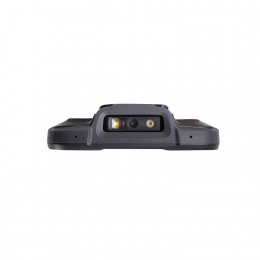
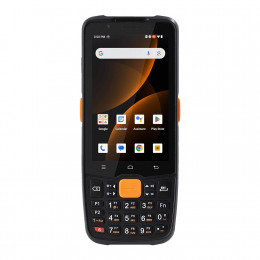
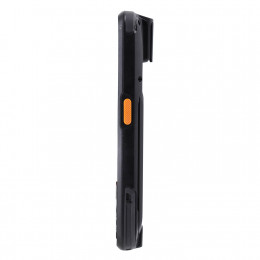
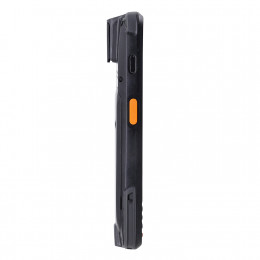
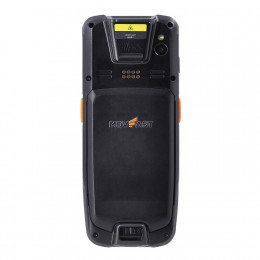
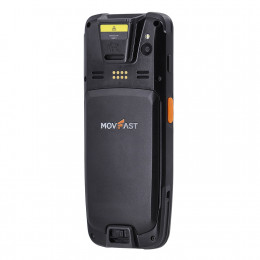
MERTECH MovFast S40
An industrial terminal with a 4" touchscreen and a physical keypad, IP67 protection and Android 13. It supports hot battery swapping and integration with 1C. Ideal for warehouses with harsh conditions: drops, dust and temperature swings are no problem, and the keypad helps when working in gloves.
MERTECH MovFast S55
A mobile computer with a large 5.5" touchscreen and a powerful processor. It has a backup battery and supports hot swapping, so the device never switches off during a battery change. The big screen is convenient for long item lists and comparison reports viewed right on the terminal.
MERTECH MovFast S45
A versatile model in the MovFast line for those who need a balance between the compact S40 and the large-screen S55. Suitable for stocktaking in stores and warehouses of moderate intensity. Ask MERTECH specialists for the current specifications and bundle — we will match the configuration to your accounting system.
Typical stocktaking mistakes and how to avoid them
Even the best terminal will not help if the process is poorly organised. Here are the mistakes we see most often during deployments, and how to prevent them:
- Unposted documents. Counting against "pending" invoices produces false discrepancies. Freeze goods movement during stocktaking, or fix the exact moment of the stock snapshot.
- Discharged terminals. Plan the shift in advance: spare batteries and charging stations from the PDT accessories category solve the problem completely.
- Double counting of zones. Without a clear division of the site, employees scan the same shelves twice. Assign zones using a warehouse map and track progress in the application.
- Damaged and dirty labels. Walk through problem areas beforehand and reprint unreadable codes. A good 2D engine reads worn symbols too, but it cannot work miracles.
- Wi-Fi dead spots. In remote corners of a warehouse the connection may drop. Work offline and upload later — the data is stored in the terminal's memory and is never lost.
- No recount of discrepancies. Before writing off a shortage, count the disputed item once more: the "missing" product often turns up on the neighbouring shelf.
FAQ
Can stocktaking be done without closing the store?
Yes. A PDT lets you count zone by zone without shutting the sales floor: while one section is being counted, the rest keeps trading. Many chains practise cycle counting — a small group of products is counted every day, and the full range is covered within a month or a quarter.
How many terminals does a store or warehouse need?
Base the number on simultaneous counting zones: one PDT per employee. A small store needs one or two devices; a warehouse with several sections needs one terminal per zone plus a spare. MERTECH specialists will help calculate the set for your area and deadlines.
Does a PDT work without Wi-Fi or internet?
Yes. The product catalogue is loaded into the device memory in advance, the count runs fully offline, and the results are uploaded later — over Wi-Fi when the network appears, or via a USB cable. This is the key difference between a PDT and smartphone-based online solutions.
Why is a PDT better than a smartphone with a camera app?
A professional scanning engine reads a code in fractions of a second at any angle and in poor light, while a smartphone camera needs aiming and focusing. Add a rugged housing, a swappable battery and a physical keypad — across thousands of scans per shift, the difference in speed and employee fatigue becomes decisive.
Conclusion
A well-organised stocktake with a PDT cuts counting time several times over, reduces losses caused by accounting errors and gives the manager a trustworthy picture of stock. The MERTECH MovFast line covers every format — from a neighbourhood store to a distribution warehouse. To choose terminals and accessories for your site in Armenia, call +374 41 50-15-04 or write to info@mertech.am. Equipment prices in Armenian drams (AMD, ֏) and delivery terms are calculated individually; self-pickup is available in Yerevan, 41/2 Shirazi Street. Current details are on the contacts page.