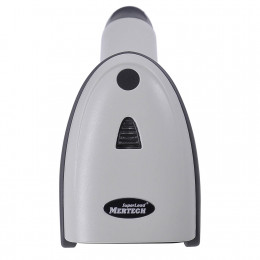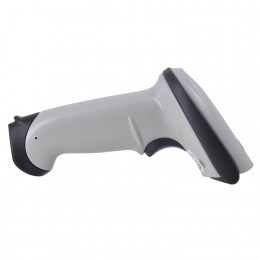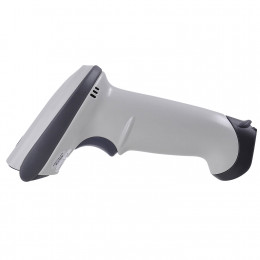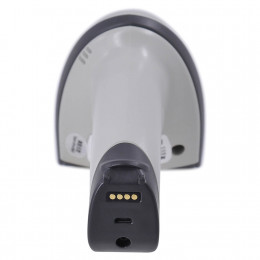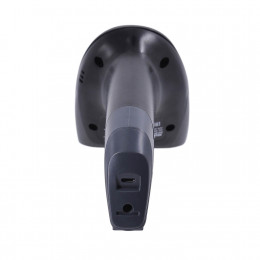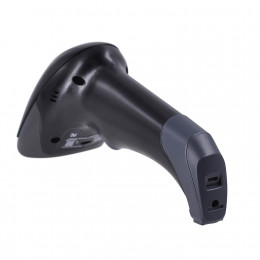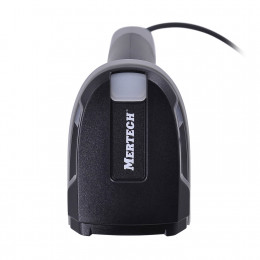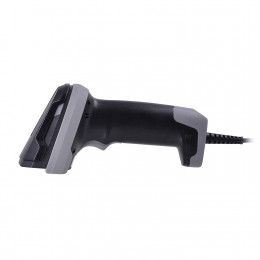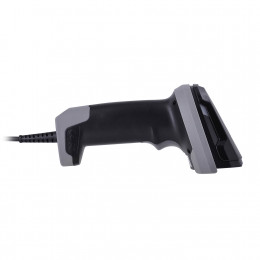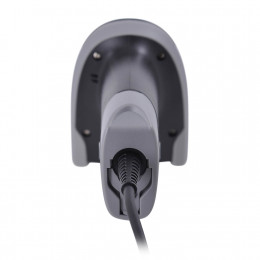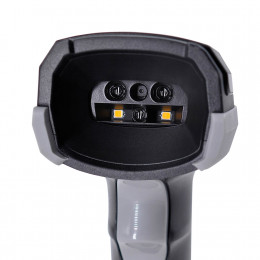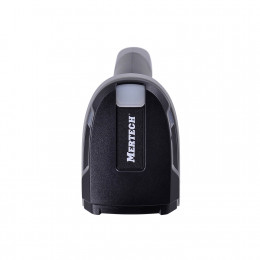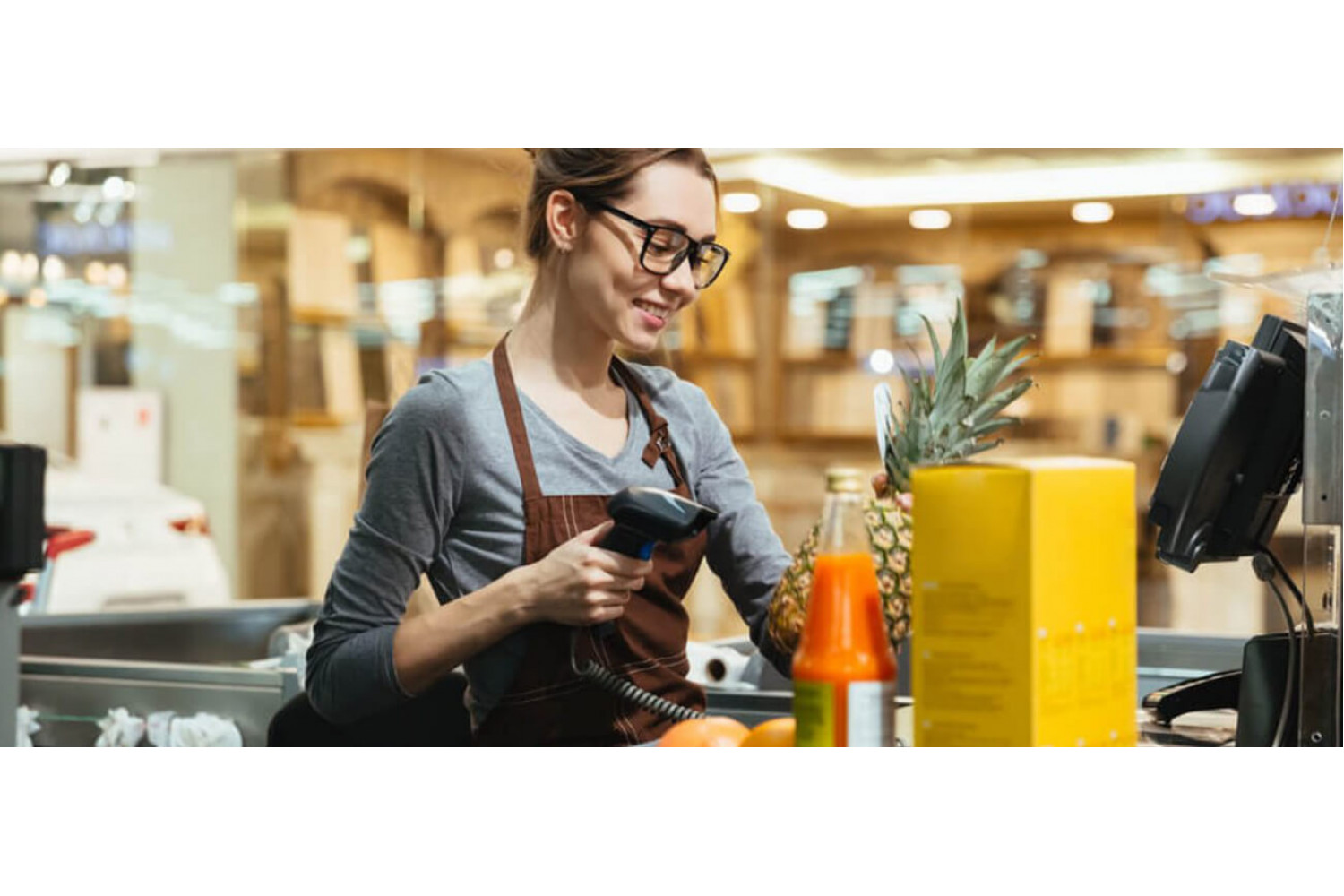
A barcode scanner is the hardest-working device at the checkout: hundreds or thousands of items pass through it every shift, and its speed directly determines the length of the queue. For a retail chain in Armenia, choosing the right scanner is not a one-off purchase but a decision replicated across dozens of checkouts. In this article, MERTECH experts break down scanning engine types, form factors and connection interfaces, and provide a checklist to help you select barcode scanners for the format of every store.
A retail chain does not need the "most powerful" scanner — it needs the one matched to customer flow and code types. A 2D imager at a supermarket checkout and a simple handheld unit in the warehouse solve different problems and should not cost the same.
Scanning engine types: LED, laser and imager

The first decision is the reading technology. It determines which codes the device reads, from what distance and how fast. Three engine types are available on the market:
- LED scanners. The simplest and most affordable models. They read linear (1D) codes and require close contact with the label. They survive drops well but cannot handle two-dimensional codes or worn symbols. Suitable for small outlets with low traffic and purely linear symbologies.
- Laser scanners. Provide fast reading at distances up to 40–50 cm and confidently capture codes at an angle. However, they do not support 2D codes, and the mirror assembly makes them more fragile when dropped. A good choice for piece goods with classic EAN-13 barcodes.
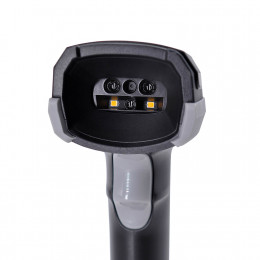
- Imagers (photo scanners). Modern camera-based devices that read all code types, including two-dimensional ones (DataMatrix, QR) and damaged, crumpled or glossy labels. This is the class you need if you handle marked goods or codes displayed on smartphone screens.
The practical conclusion: if your chain's range includes — or will include — goods with DataMatrix marking, buying purely 1D devices is false economy. The universal answer is 2D barcode scanners: they read both linear and two-dimensional codes, so a single model covers the entire range and does not become obsolete as the product matrix grows.
Form factor: handheld, stationary and built-in scanners
The second criterion is how the scanner is used at the checkout. The form factor determines service speed and cashier fatigue.
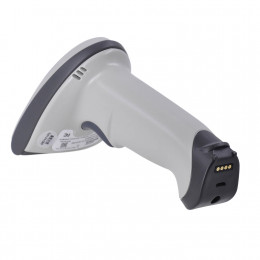
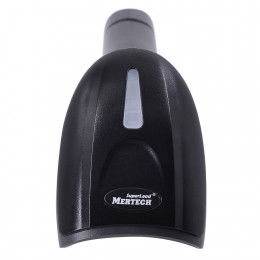
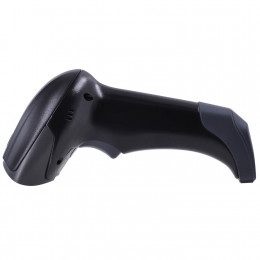
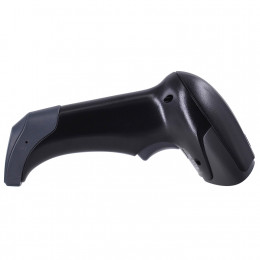
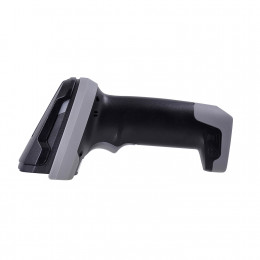
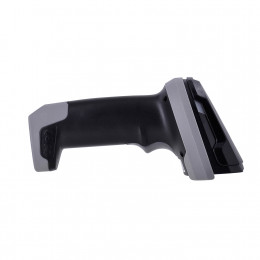
Handheld scanners are aimed at the code by the operator. This is the optimal option for stores with modest customer flow, and for scanning bulky items that are inconvenient to carry to the till. Handheld barcode scanners are versatile: they move easily between the checkout, the warehouse and the receiving area. Wireless Bluetooth versions add freedom — the cashier can step away from the workstation, and built-in memory stores scans outside the radio range.
Stationary scanners sit on the checkout counter and read the code as the item is passed in front of the window. The cashier never picks the device up — both hands stay free for bagging. This noticeably speeds up service at medium and high traffic. Stationary barcode scanners are the standard for supermarkets and stores with peak-hour queues.
Built-in scanners are mounted directly into the checkout counter or worktop. They are used in large supermarkets with dense customer flow: the item simply passes over the window, reading speed is maximal, and the cashier's workspace stays clear. For a chain, this is the solution for the busiest lanes.
For a retail chain it makes sense to combine: stationary or built-in units on busy lanes, handhelds on low-traffic checkouts and in receiving. Standardising models across the chain simplifies configuration, staff training and the spare pool.
Connection interfaces and a selection checklist
The scanner must work correctly with your checkout software and POS hardware. The main interfaces are:
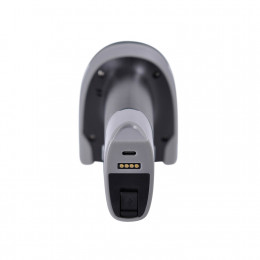
- USB — the universal standard supported by virtually all modern scanners and POS computers. Connection is simple: the device is recognised as a keyboard or via a driver.
- RS-232 — the serial port, found in legacy systems and industrial equipment. It requires additional software configuration but is still used in some accounting setups.
- Bluetooth — a wireless interface for working away from the till. Models with memory store scans outside the radio range and transmit them once back in range.
Before purchasing, answer six questions — they form the scanner selection checklist for a store:
- Do you handle marked goods and DataMatrix codes? If yes, only a 2D engine will do.
- Which symbologies are used in your range: EAN-13, Code 128, QR, codes from screens?
- How many checkouts are open simultaneously, and what is the peak customer flow per hour?
- Are there bulky items scanned on the spot rather than at the till?
- What are the conditions in the working area: humidity, temperature, dust, risk of drops?
- Which checkout software and POS hardware must the scanner work with?
The answers immediately cut the catalogue in half: a neighbourhood store with one cashier and linear codes can manage with an inexpensive handheld scanner, while a supermarket with marked goods and queues needs a high-speed stationary 2D imager.
MERTECH models for a retail chain
MERTECH is an international manufacturer of retail equipment, and its scanner line includes a model for every retail scenario. Here are four proven solutions from the range.
MERTECH CL-2200
A wireless scanner synchronised over BLE 4.0 with a speed of up to 100 scans per second. Freedom from the cable makes it convenient for checkouts with awkward layouts, receiving areas and scanning heavy goods in the trolley. A good balance of price and mobility for outlets with medium traffic.
MERTECH 2300
A wired model with 100 scans per second that recognises all major code types. A reliable cashier workhorse: it connects via USB, never needs charging and suits daily intensive use in a store of any format.
MERTECH 8400 CUBIC
A stationary scanner with speeds up to 300 scans per second. It confidently reads smudged and blurred codes — an important quality for goods whose labels get rubbed during transport. The compact cubic housing takes minimal counter space, and the high speed clears queues at peak hours.
MERTECH 8500 Mirror
A stationary imager with backlighting and an eye-safe light source, rated at up to 300 scans per second. It reads codes from smartphone screens and damaged labels, making it suitable for high-traffic checkouts and ranges that include marked goods.
Ask our managers for model prices in Armenian drams (AMD, ֏): chains receive individual terms depending on the number of checkouts and the configuration. Delivery across Armenia is calculated individually.
FAQ
How does a 2D scanner differ from a 1D one, and is it worth the extra cost?
A 1D scanner reads only linear barcodes; a 2D scanner also reads two-dimensional codes (DataMatrix, QR), codes from screens and damaged labels. If your range includes marked goods or you plan to introduce them, the premium pays off immediately: you will not have to replace the scanner fleet when the product matrix expands.
Which scanner should I choose for a checkout with long queues?
A stationary or built-in imager with high reading speed (for example, MERTECH 8400 CUBIC or 8500 Mirror). The cashier wastes no time aiming or pulling a trigger: the item passes in front of the window, the code is read instantly, and both hands stay free for bagging.
Can one scanner be used both at the checkout and in the warehouse?
Yes — handheld models, especially wireless ones, are designed for this: the cashier scans at the workstation, and during receiving the scanner moves to the warehouse area. Models with memory store data outside Bluetooth range and transmit it on return. For large warehouses, however, a data collection terminal is more efficient.
How do I check scanner compatibility with my checkout software?
Most MERTECH scanners work in keyboard emulation mode over USB and are compatible with typical checkout programs. Before a chain-wide purchase, request a test unit and verify the "scanner — POS — accounting system" bundle on one lane. MERTECH specialists will help configure prefixes and suffixes for your data format.
Conclusion
Choosing a scanner for a retail chain is a balance of three factors: the code types in your range, customer flow at the checkout and operating conditions. A correctly selected model speeds up service, reduces cashier fatigue and does not need replacing as the product matrix develops. MERTECH will help you select and standardise the scanner fleet for every store of your chain in Armenia: call +374 41 50-15-04 or write to info@mertech.am. Self-pickup is available in Yerevan, 41/2 Shirazi Street; current details and directions are on the contacts page.